
Ultra Mini wireless adapter with A9 chip, 5.8GHz Wi‑Fi, Bluetooth 5.4, and one-click switching between Android Auto and CarPlay. Amzfeel Mini Edition focuses on portability and clean dashboard setup. It works with iPhone iOS 10+ and vehicles from 2015 onward with wired CarPlay. Enhanlife wireless CarPlay Adapter is designed for drivers who want faster startup, stable wireless performance, and no audio lag. Jemluse Wireless CarPlay Adapter is aimed at families or drivers who switch between multiple iPhones.
Quick Comparison: wireless CarPlay adapter
| Wireless Adapters | Wireless technology | Special hardware | Compatible | Best for | Buy Now |
|---|---|---|---|---|---|
| Ultra Mini Android Auto & CarPlay | Bluetooth 5.4 + 5.8GHz Wi-Fi | A9 chip | iOS10+, Android 10+ | Mixed Android/iPhone households | Check Price |
| Amzfeel | Bluetooth + Wi-Fi | Intelligent IC chip | Apple iPhone iOS 10+ & Cars | Compact design | Check Price |
| Enhanlife | Bluetooth 5.3 + 5GHz Wi-Fi | Fast auto-connect chip | IPhone Car Audio & Video | Fast reconnect | Check Price |
| Jemluse | Bluetooth 5.3 + 5.8GHz Wi-Fi | 8-core processor | iPhone 6 and later (iOS 10+) | Multiple iPhone users | Check Price |
Overview
This wireless adapter converts your existing wired CarPlay or Android Auto system into a wireless setup using Bluetooth and WiFi technology.
- Plug-and-play USB design
- Automatic phone connection
- Supports CarPlay and Android Auto
- No app installation required
Key Features
Automatic Connection
The adapter remembers your phone and connects automatically when you start your car.
Stable Wireless Performance
Uses Bluetooth for pairing and WiFi for data transfer, ensuring smooth navigation and media playback.
Plug & Play Installation
No technical setup required. Simply plug it into your USB port and pair once.
Full Feature Support
- Google Maps / Apple Maps navigation
- Spotify / YouTube Music streaming
- Voice assistants (Siri / Google Assistant)
- Hands-free calls and messaging
1.Ultra Mini Android Auto & CarPlay
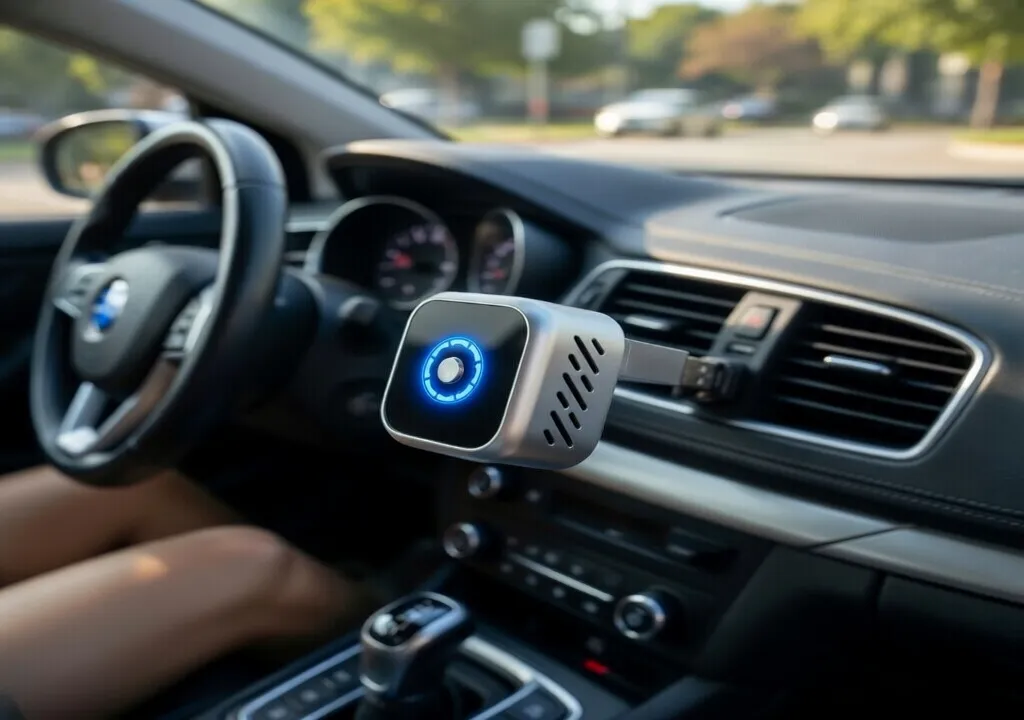
The best wireless CarPlay adapter should connect quickly, stay stable during driving, and work with both iPhone and Android devices without requiring cables every time you enter the car. After reviewing the latest options, the One Click Reconnect Wireless CarPlay & Android Auto Adapter stands out because it features the latest A9 chip, fast 5.8GHz WiFi
What We Like
- Supports both Apple CarPlay and Android Auto.
- Uses an A9 chip with 5.8GHz Wi-Fi and Bluetooth 5.4 for faster performance.
- One-click switching makes it easier for families with both iPhone and Android users.
What We Don’t
- More advanced features may make initial setup slightly more complicated.
- Dual-platform support can sometimes make software updates more important for stability.
2.Amzfeel Wireless CarPlay Adapter
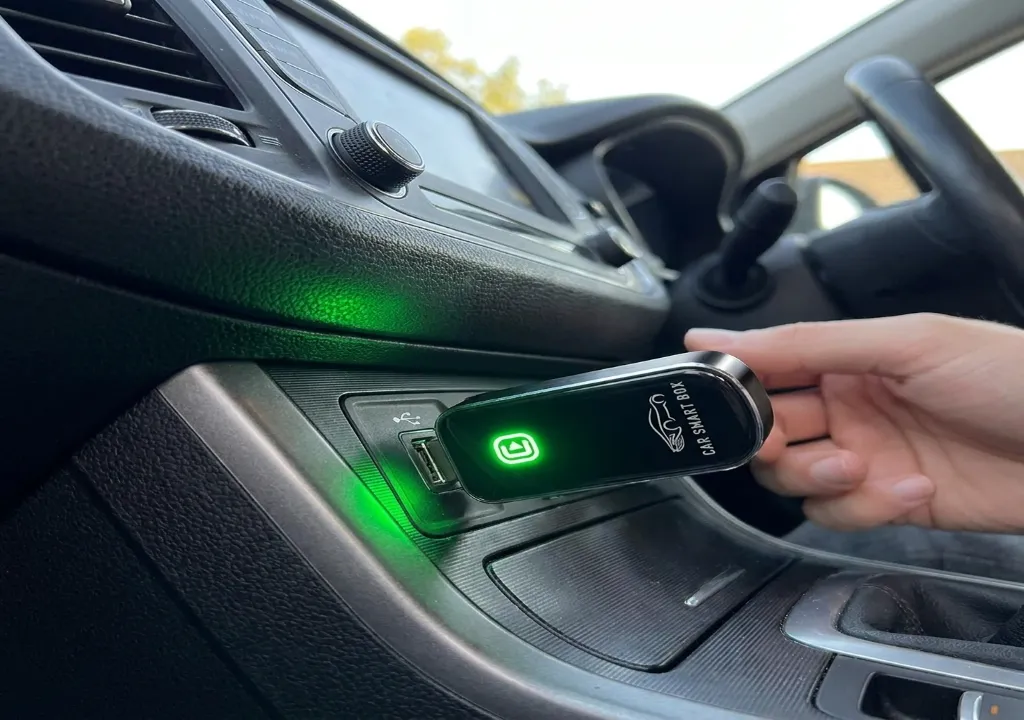
Amzfeel Wireless CarPlay Adapter for Apple iPhone iOS 10+ & Cars from 2015+, Mini Edition, Convert Factory Wired to Wireless CarPlay Dongle Plug & Play GPS Digital Media Receiver (Brushed Cobalt Blue)
What We Like
- Small and lightweight mini design takes up very little space.
- Upgraded intelligent IC chip helps provide a faster and more stable connection.
- Works with more than 800 car models that already support wired CarPlay.
What We Don’t
- More expensive than some competing compact adapters.
- Only supports Apple CarPlay and not Android Auto.
3.Enhanlife wireless CarPlay Adapter
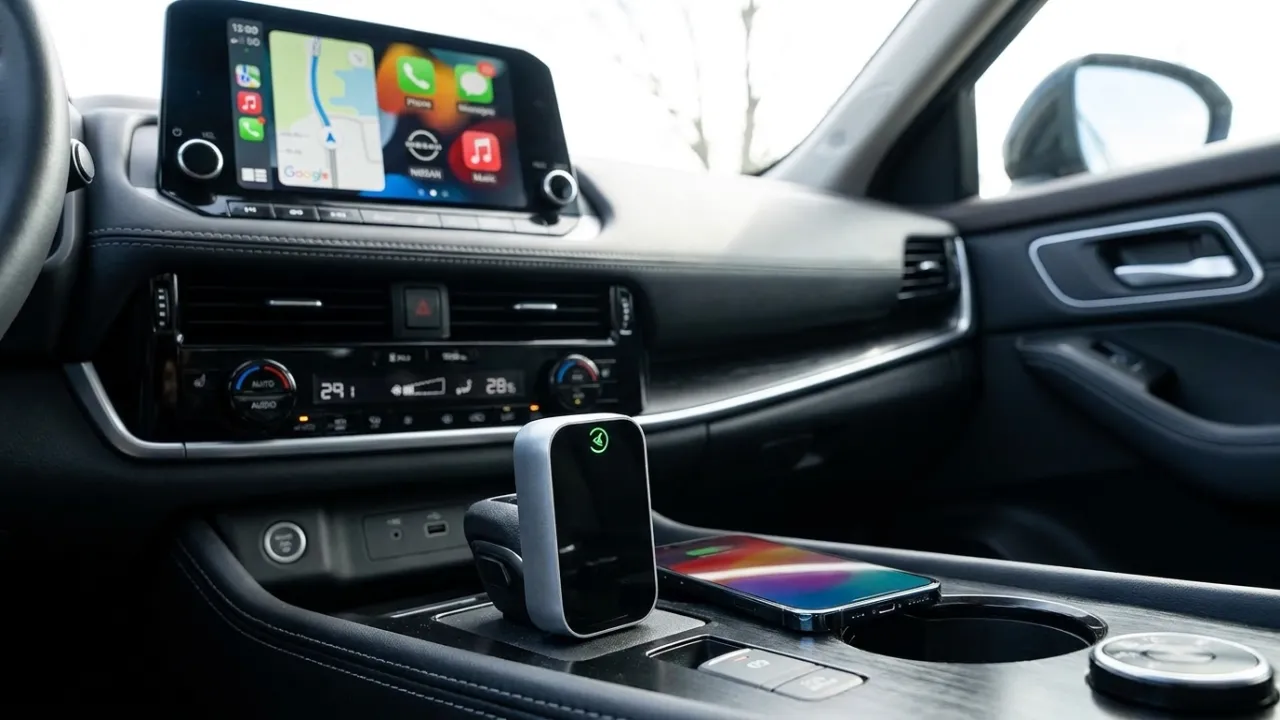
Wireless CarPlay Adapter for iPhone – No Audio Lag, Auto-Connect – Convert Factory Wired to Wireless CarPlay – Bluetooth 5.3 & 5GHz Wi-Fi – Plug & Play (Includes USB A/C)
What We Like
- Fast 5-second auto-connect after the first setup.
- Bluetooth 5.3 and 5GHz Wi-Fi improve speed and reduce lag.
- Includes both USB-A and USB-C support for more vehicle compatibility.
What We Don’t
- Only works if the car already has factory wired CarPlay.
- Wireless adapters can still have slight delays compared with a direct cable connection.
4.Jemluse Wireless CarPlay Adapter
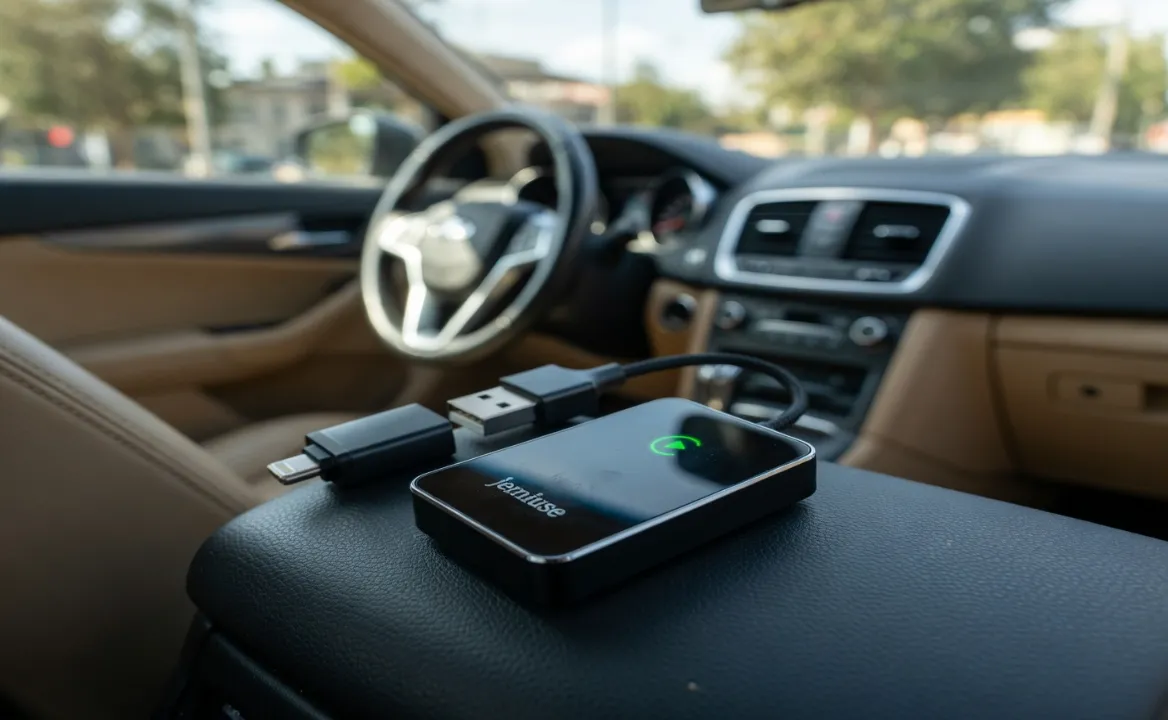
Jemluse Wireless CarPlay Adapter for Apple iPhone – Multi-User Seamless Connection for Convert Wired to Wireless Car Play Adapter – No Latency from iOS 10+ to Screen w/USB C
What We Like
- Multi-user support allows multiple iPhones to connect and switch more easily.
- 5.8GHz Wi-Fi, Bluetooth 5.3, and 8-core processor help improve speed and reduce lag.
- Metal housing improves durability and heat dissipation compared with plastic adapters.
What We Don’t
- Some users report needing to reconnect or unplug the adapter occasionally.
- A few vehicles may not automatically switch to the CarPlay screen after connection.
Best for
- Automatic connection every time you start the car, so you do not need to plug your iPhone in manually before every drive. This is especially useful for short trips and daily commuting.
- Eliminates messy cables and keeps your dashboard and center console cleaner and more organized. Many drivers buy these adapters mainly to remove cable clutter.
- Lets you keep your phone in your pocket, bag, or cup holder while still using maps, music, calls, Siri, and messages through CarPlay.
- Very easy to install because it is plug-and-play. You only need to pair it once, and after that it reconnects automatically when you start the vehicle.
Who Should Buy This?
- Drivers who use navigation daily
- Users tired of plugging cables every time
- People who want a clean car interior
- iPhone & Android users with CarPlay/Android Auto cars
Final Verdict
The One Click Reconnect Wireless CarPlay & Android Auto Adapter is a practical and affordable upgrade for any modern driver.
If you want convenience, wireless freedom, and a cleaner dashboard, this device is worth considering.
Tip: Always check compatibility before purchasing.
Related Guides:Frequently Asked Questions
Can I convert my car to wireless CarPlay?
To make CarPlay wireless is to let your phone connect without a USB cord. Wireless CarPlay uses Bluetooth and Wi-Fi so the phone pairs automatically when you start driving. A carplay adapter wireless is a small device that sits between your phone and car screen and changes the wired setup into a wireless one
Can I use a wireless CarPlay adapter if my car doesn’t have CarPlay?
No, wireless CarPlay adapters only convert existing wired CarPlay connections to wireless. They require your car to already have wired CarPlay functionality. For cars without any CarPlay, you need a portable touchscreen display, aftermarket head unit, or AI media box instead.
Is wireless CarPlay better than wired?
Wireless CarPlay excels at convenience and simplicity. You eliminate cable management, you get automatic connection, and your cabin looks cleaner. That seamless experience when you’re making quick trips around town genuinely improves your routine. Wired CarPlay excels at reliability and power management
What is needed for wireless CarPlay?
You’ll need both your Bluetooth and Wi-Fi turned on. So on your iPhone, go to Settings > tap on Bluetooth, and flip that switch on. Then, head back to Settings, tap on Wi-Fi, and make sure it’s also turned on. Next, ensure your car’s infotainment system is on and get to the CarPlay settings screen.
Can I convert wired Apple CarPlay to wireless?
Wired to Wireless:With the Wireless CarPlay adapter,You can easily convert the wired CarPlay to wireless. Enjoy the fun of using CarPlay without the hassle of cables,and have a better driving experience.